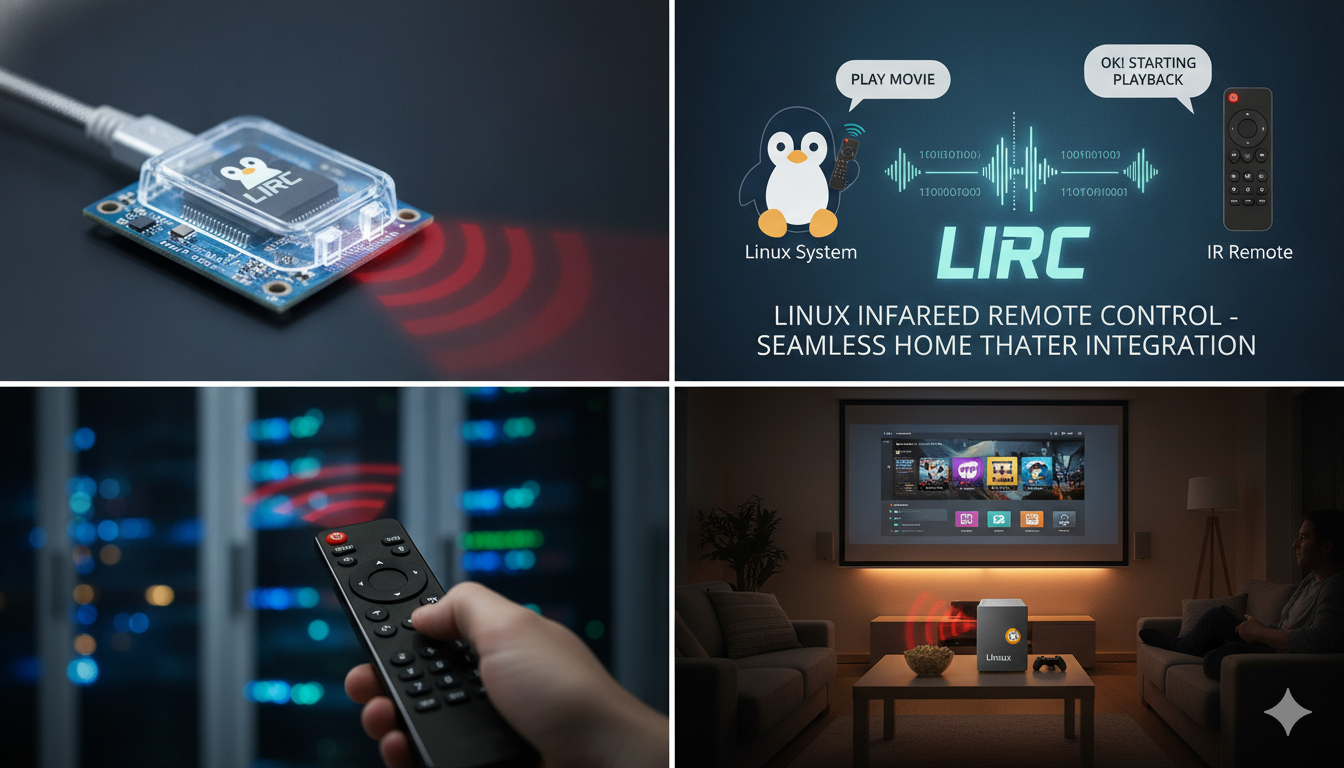
What is LIRC Meaning? A Simple Guide to Linux Infrared Remote Control
Have you ever wondered about the LIRC Meaning? You might have seen these four letters in a computer forum or a tech manual. Simply put, LIRC stands for Linux Infrared Remote Control. It is a smart, open-source software package made for Linux systems. Its main job is to let your computer “talk” to infrared (IR) remotes. Think of your TV remote at home. You press a button, and the TV reacts. With LIRC, your computer can do the same thing! It lets you use a standard remote to control programs on your Linux machine, making your home theater setup much easier to manage.
Why Do People Use LIRC?
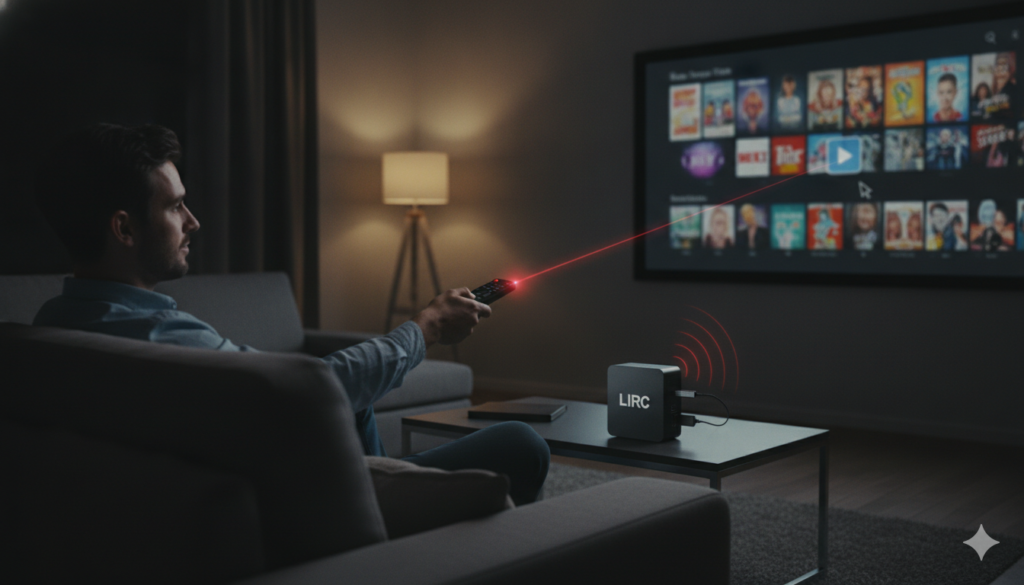
Many tech fans use LIRC because it turns a boring old computer into a media center. Imagine sitting on your couch and using your remote to pause a movie or change the music volume. You do not need to walk over to your keyboard or mouse. The lirc meaning in a practical sense is all about convenience. By using an IR receiver, the software takes the signals from your remote and turns them into actions. Whether you use a remote from an old DVD player or a fancy universal one, this software helps you bridge the gap between your hardware and your software.
How Does LIRC Work?
At its heart, the software acts like a translator. When you press a button on a remote, it sends a flash of infrared light. Your computer’s IR receiver catches this flash. LIRC then jumps into action. It decodes the light signal into a command that the computer can actually understand. This “lirc meaning” of translating light into data is what makes the whole system run. It uses a small program called a daemon that runs in the background. This daemon stays quiet until you press a button, ensuring that your computer stays fast while waiting for your next command.
Essential Components of LIRC
To understand the lirc meaning fully, you should know its parts. The most important one is lircd. This is the main background program that does the heavy lifting. Then there is irrecord, which helps you teach the computer new remote buttons. If you ever buy a remote that the computer does not recognize, irrecord lets you save those custom signals. Another part is irsend. This tool lets your computer send signals back out. With this, your computer can even turn your TV on or off! Every piece of the package plays a role in making sure your remote commands arrive exactly where they need to go.
Supported Hardware and Compatibility
You might ask if your specific remote will work with LIRC. The good news is that it supports many different types of hardware. From serial port receivers to modern USB devices, the compatibility is quite broad. When you look up the lirc meaning for your own project, check if your IR hardware is on the supported list. Many people use simple Arduino-based devices or specific USB dongles. Because it is open-source, the community keeps adding support for new gadgets every year. This wide range of options is one reason why Linux users love this tool so much.
LIRC vs. WinLIRC
If you have used Windows, you might have heard of WinLIRC. The lirc meaning stays the same, but the platform changes. While LIRC is built specifically for Linux, WinLIRC is its cousin made for the Windows world. They share the same basic ideas and even use similar configuration files. However, Linux users often find that LIRC is more powerful and stable for long-term media server projects. If you are comfortable with the command line, you will find that the original version offers more control and better integration with other Linux apps.
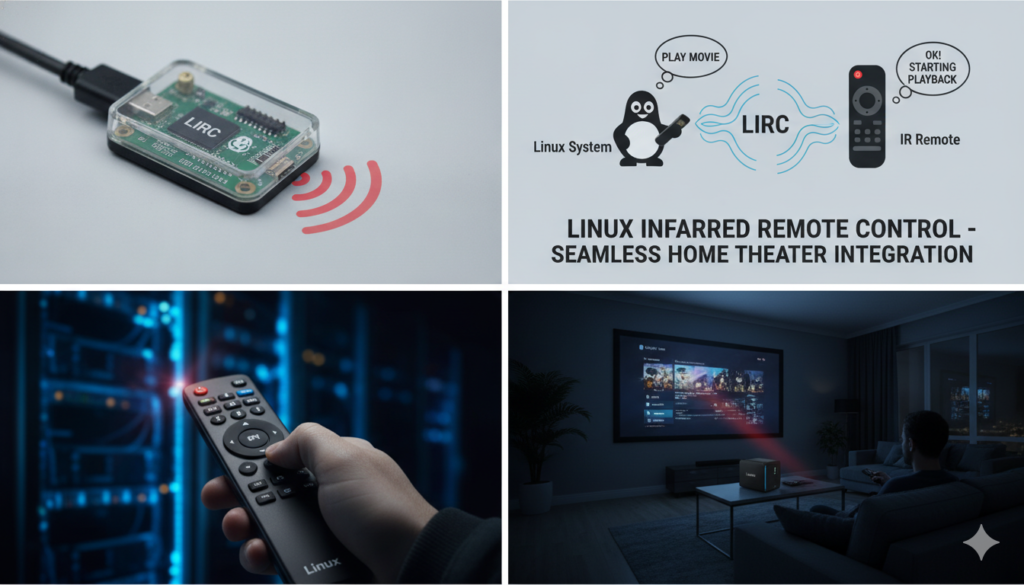
Setting Up Your Own System
Starting your own setup might sound hard, but it is quite rewarding. First, you need an IR receiver connected to your Linux machine. Next, you install the LIRC package. The lirc meaning becomes clear once you see your first remote button press show up on your screen. You will use configuration files to map specific buttons to specific tasks. For example, the “Play” button can be set to open your favorite media player. It takes a little bit of tinkering, but once it works, you will feel like a true power user.
Common Problems and Troubleshooting
Even experts run into issues. Sometimes, the computer does not “see” the remote signal. When this happens, you can use a tool called mode2. It acts like a digital detective. It shows you the raw pulses of light hitting your receiver. If mode2 shows activity, you know the hardware works! The lirc meaning of troubleshooting is just checking if the signal is getting through. Usually, the problem is just a loose wire or a slightly off-angle remote. Take your time, stay patient, and you will get your remote working perfectly in no time at all.
Integrating LIRC with Media Players
One of the best uses for this software is controlling video apps. Programs like VLC or Kodi have built-in support for it. You can tell your media player that the “Volume Up” button on your remote should make the sound louder. This is the lirc meaning of a smooth experience—total control without a mouse. Because everything is automated, you can focus on enjoying your movies or music. The setup process is usually just a quick look at the app’s settings menu to enable remote support. It makes your living room feel like a professional home theater.
The Future of Remote Control
Technology is always changing, but infrared remains a standard for a reason. It is cheap, reliable, and does not need a Wi-Fi connection. While smart home apps are popular, knowing the lirc meaning helps you stay in charge of your own gear. You are not locked into one brand or one app. With LIRC, you create your own rules. As Linux continues to grow, this software remains a staple for anyone who likes to build and customize their own computing space. It is a classic tool that still provides great value today.
Comparison Table: LIRC Features
| Feature | Description |
| Primary Use | Receiving and sending IR signals on Linux. |
| Main Daemon | lircd handles signal decoding. |
| Customization | lircrc maps buttons to specific actions. |
| Hardware | Supports serial, USB, and custom IR receivers. |
| Compatibility | Works with VLC, Kodi, and many other Linux apps. |
| Learning Tool | irrecord creates configs for unknown remotes. |
Frequently Asked Questions (FAQs)
1. Is LIRC hard to learn?
It takes a little patience, but there are many guides online. Once you map your first button, the rest is very easy.
2. Can I use LIRC to control a smart TV?
Yes, but it is usually for controlling your computer using a remote, not the TV directly. It is perfect for media PCs.
3. Do I need special hardware?
You need an infrared receiver (IR receiver) connected to your Linux machine. Many people build them cheaply with basic parts.
4. What is the lirc meaning in simple terms?
It simply means “Linux Infrared Remote Control”—a way to let your Linux computer “see” and “use” standard infrared remote signals.
5. Does it work on Raspberry Pi?
Absolutely! It is a favorite among Raspberry Pi users who want to build their own custom media centers.
6. Can I use a universal remote with LIRC?
Yes, most universal remotes work perfectly as long as you teach the software the right codes using the configuration tools.
Conclusion
Now that you know the lirc meaning, you can see how powerful your Linux computer can be. It is not just for typing or browsing; it can be the heart of your home entertainment. Whether you are a hobbyist or a tech fan, using LIRC brings a whole new level of convenience to your desk or living room. Why not try setting it up this weekend? You might be surprised by how much you enjoy controlling your system from the comfort of your favorite chair. If you have questions, the Linux community is always there to help you out!